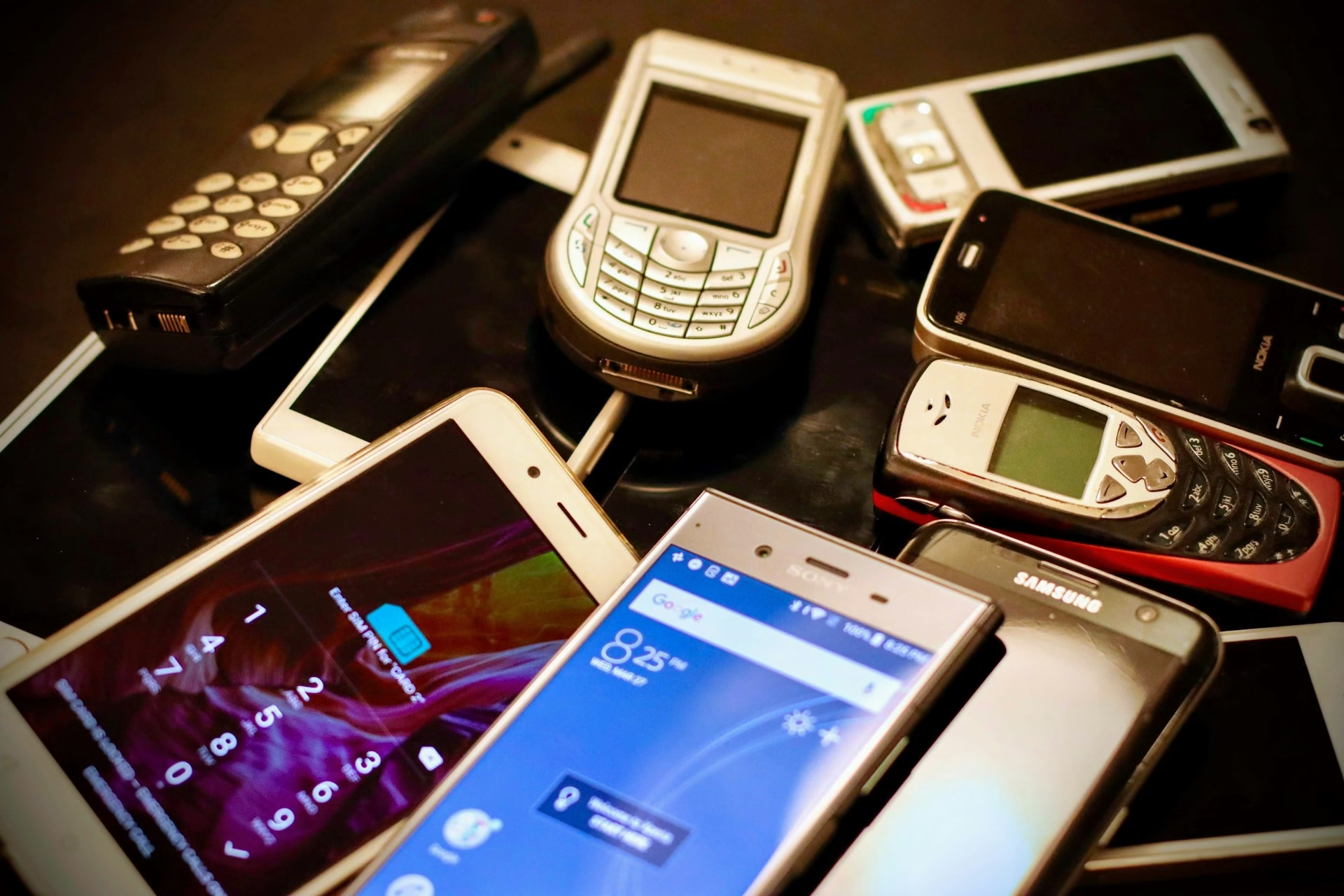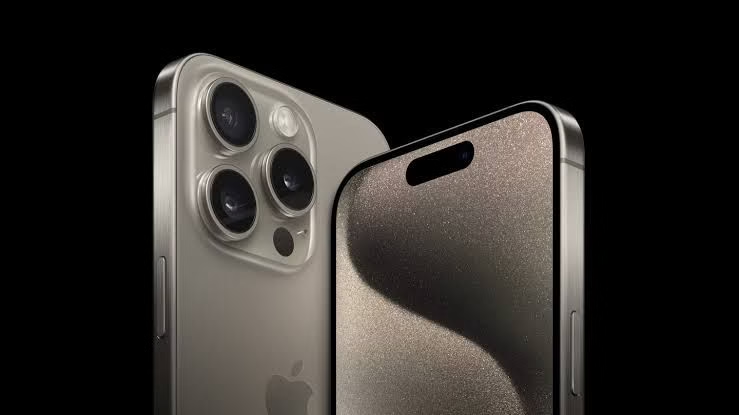
I know you’ve been eyeing that iPhone 13 Pro or Samsung Galaxy S23 Ultra for months. Brand new, it costs way more than your budget allows.
But then you see a refurbished version at Computer Village or on Jiji for nearly half the price. Tempting, right? Before you hand over your hard-earned money, you need to understand something critical.
The refurbished phone market in Nigeria is a minefield. For every genuine deal, there are countless fakes, stolen devices, and phones with hidden problems waiting to drain your wallet.
Buying a refurbished flagship phone can be one of the smartest financial decisions you make, or one of the most expensive mistakes. The difference comes down to what you check before paying.
According to TechCabal’s guide on buying authentic gadgets, Nigerian buyers face unique challenges with counterfeit products and scams, especially in markets like Computer Village. But with the right knowledge, you can navigate this market safely and get genuine value.
Don't MIss This Article

Let me walk you through the 10 critical checks you absolutely must perform before buying any refurbished flagship phone in Nigeria. Miss even one of these, and you might end up with an expensive paperweight.
1. Verify the IMEI Number Immediately
This is your first and most important line of defense. Every phone has a unique IMEI number, which according to GSM Arena, is a 15-digit serial number that uniquely identifies a mobile phone. This number can tell you if the phone is stolen, blacklisted, or fake.
Here’s how to check it. Dial *#06# on the phone and the IMEI will appear on the screen. Write it down. Then cross-check this number against what’s printed on the phone’s box and what’s shown in the phone’s settings under About Phone. All three should match exactly. If they don’t, walk away immediately. Mismatched IMEI numbers usually mean the phone is stolen or the parts have been swapped.
Don't MIss This Article

Next, verify the IMEI online. Websites like IMEI.info or CheckMEND allow you to enter the IMEI and check if the device has been reported stolen or blacklisted by carriers. A blacklisted phone won’t work properly on networks and has zero resale value. According to Android Authority’s guide on spotting fake phones, checking the IMEI is essential to avoid buying stolen or blacklisted devices.
Some sellers might resist letting you check the IMEI thoroughly. That’s a huge red flag. Any legitimate seller should have no problem with you taking the time to verify this. If they’re rushing you or making excuses, that’s your sign to leave.
2. Test Battery Health Thoroughly (Minimum 80% Required)
The battery is the most expensive component to replace in a flagship phone, and it’s also the part that degrades fastest with use. A refurbished phone with a degraded battery is a terrible deal, no matter how cheap it seems.
For iPhones, checking battery health is straightforward. Go to Settings, then Battery, then Battery Health. According to Android Authority’s battery health guide, Apple recommends you should consider replacing your battery once its health falls below 80% of its original capacity. If the refurbished iPhone you’re considering shows less than 80% battery health, either negotiate a significant price reduction or walk away.
For Android phones, it’s a bit trickier. According to Android Authority, you’ll need to download AccuBattery from the Play Store. This app analyzes charging and discharging cycles to estimate battery health. For Samsung phones specifically, you can use the Samsung Members app and go to Settings, Battery & Device Care, Diagnostics, Phone Diagnostics, then press the Battery Status button to see battery health under the “Life” result.
Here’s the standard you should hold to. A refurbished flagship phone should have at least 80% battery health, preferably higher. If it’s below 80%, factor in the cost of battery replacement, which according to Android Authority’s repair guide, will run you between $50 to $100 from an official service center, including labor and taxes. That’s roughly ₦80,000 to ₦160,000 in Nigeria. Suddenly that “cheap” refurbished phone isn’t looking so cheap anymore.
Don't MIss This Article

3. Inspect Physical Condition in Bright Light
You’d be surprised how many defects sellers can hide with clever lighting and quick demonstrations. Always inspect the phone in bright, natural light if possible. Take it outside or near a window.
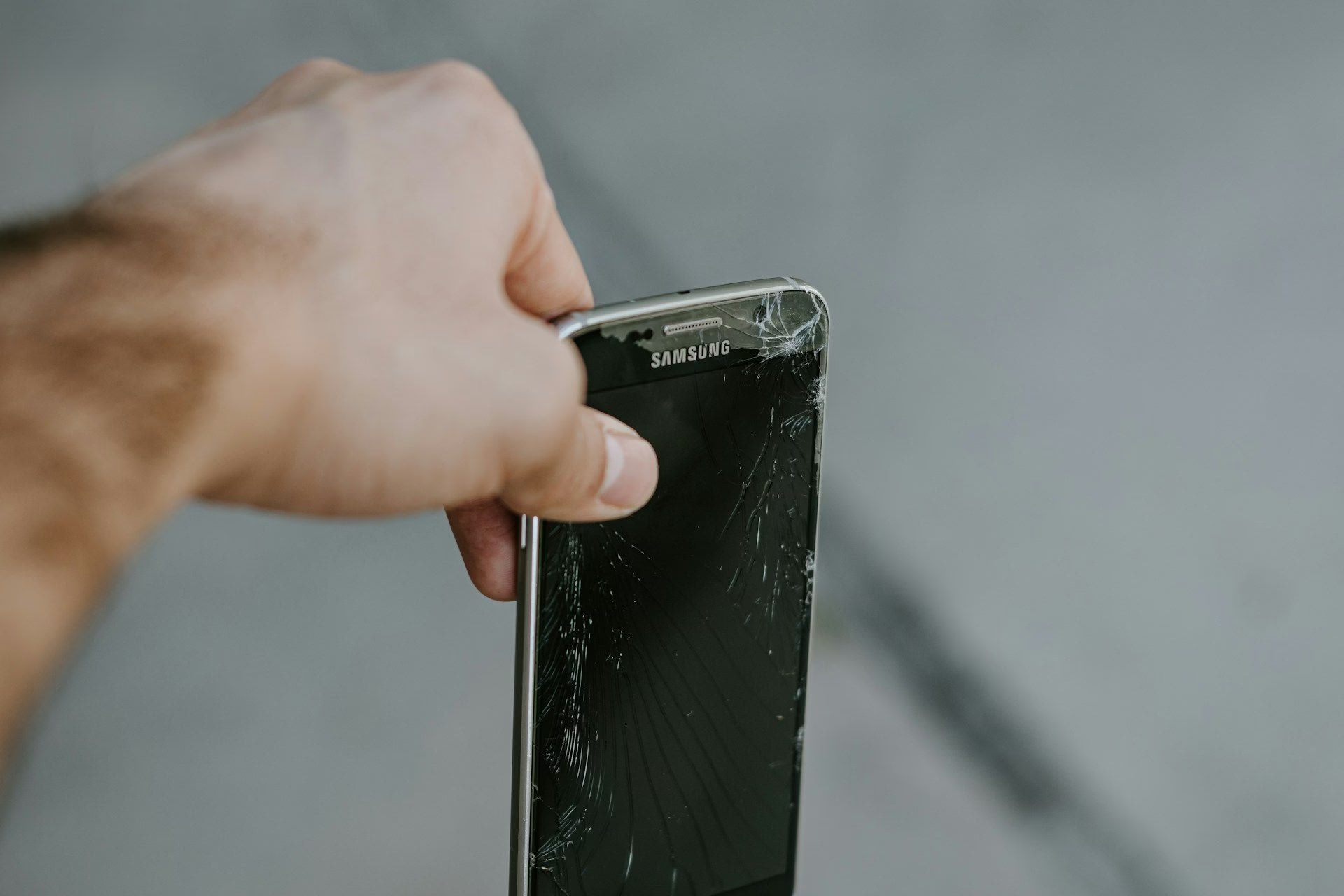
Look for scratches on the screen and body. Minor surface scratches are normal for used phones, but deep scratches or cracks are problems. Check the corners and edges carefully. Phones that have been dropped often show damage here first. According to Android Authority’s guide on buying used phones, you should give the device a thorough visual examination before making any purchase.
Check all ports. The charging port should be clean with no bent pins or debris. The headphone jack, if the phone has one, should be free of lint and damage. Check the SIM card tray. It should open and close smoothly. A damaged SIM tray can be a sign the phone has been opened for repairs, which isn’t necessarily bad, but you need to know about it.
Inspect the camera lenses carefully. Any scratches on camera lenses will affect photo quality permanently. Hold the phone at different angles to check for cracks in the camera glass that might not be immediately visible.
Check for water damage indicators. Many phones have small stickers inside the SIM tray or charging port that change color when exposed to water. If these are red or pink instead of white, the phone has water damage, even if it seems to be working fine now. Water damage often causes problems weeks or months later.
Run your fingers along all the seams. If the phone feels like it doesn’t fit together properly, if there are gaps between the screen and body, or if parts feel loose, the phone has likely been opened and poorly reassembled.
4. Verify Software Authenticity and Check for Clones
This is where many Nigerian buyers get caught. Fake phones have become incredibly sophisticated. They look identical to real ones on the outside, but inside they’re running completely different hardware and software.
According to Android Authority’s guide on identifying fake smartphones, counterfeit handsets often include cheaper processors which stutter and lag through daily use. The best way to catch these fakes is to install CPU-Z from the Play Store. This app shows you the actual hardware inside the phone.
Once CPU-Z is installed, check the Device tab. Under Hardware, you’ll see the actual processor model. Compare this against the official specifications for that phone model on GSM Arena. For example, if you’re buying a Samsung Galaxy S23 that should have a Snapdragon 8 Gen 2 processor, but CPU-Z shows some MediaTek chip you’ve never heard of, you’re holding a fake.
Also check the RAM and display resolution in CPU-Z. These should match the official specs exactly. Fake phones often claim to have 12GB of RAM but actually have 4GB. The display might claim to be 1440p but actually be 720p.
For iPhones, check the serial number. Go to Settings, General, About, and note the serial number. Then go to Apple’s Check Coverage website and enter that serial number. Apple will tell you if that serial number matches the phone model, when it was purchased, and whether it’s still under warranty. If Apple says the serial number doesn’t exist or belongs to a different model, you’re holding a fake or a phone with swapped parts.
Navigate through the operating system thoroughly. Open several apps. Test the camera. Check all the settings menus. Fake phones often have interfaces that look similar to real ones but with subtle differences. Menus might be in slightly wrong places. Features might be missing. Performance might be laggy even though the phone is supposedly a high-end flagship.
5. Demand Warranty or Return Policy in Writing
This is non-negotiable. According to TechCabal’s expert advice, your receipt or invoice is everything when buying tech in Nigeria. Never buy a refurbished phone without some form of warranty or return window, and never accept verbal promises.
The industry standard in Computer Village, according to TechNext’s investigation, is a seven-day warranty. This is sort of an unspoken rule. If you notice any glitches within that window, you can return the gadget. However, the article notes that you typically don’t get your money back in Computer Village. What you get is another working version of the same phone model.
Get this warranty in writing. The seller should provide a receipt that includes the phone’s IMEI number, the exact model, the condition grade, the price paid, the date of purchase, and the warranty terms. If they refuse to provide proper documentation, don’t buy from them.
Take photos of the receipt with your phone immediately. Also photograph the phone from multiple angles, showing its condition and serial numbers. This documentation will protect you if problems arise later.
Some established shops like SLOT offer longer warranties on refurbished devices. According to multiple sources, SLOT Systems Limited is known for providing first class after-sales support. If you’re buying expensive flagship phones, it’s worth paying slightly more to buy from a reputable dealer with a solid return policy.
6. Test Every Single Hardware Feature Before Paying
Don’t just turn the phone on and assume everything works. You need to systematically test every feature. According to Android Authority’s buying guide, you should test all buttons, make calls, send texts, connect to the internet, and check if the device recognizes SD cards.
Start with the display. Look for dead pixels by displaying solid color screens, white, black, red, green, and blue. Check that the entire touchscreen responds to touch in all areas. Some phones have dead zones where part of the screen doesn’t register touches.
Test all physical buttons. Power button, volume buttons, any additional buttons like Bixby on Samsung or the action button on newer iPhones. Each should click properly and respond when pressed.
Test both cameras. Take photos with the rear cameras and selfies with the front camera. Check that autofocus works. Test the flash. If the phone has multiple rear cameras (wide, ultrawide, telephoto), test each one individually. Zoom in and out. According to Android Authority’s fake phone guide, you should take a picture and check the megapixel count in the photo info to ensure it matches the advertised specs.
Make a phone call. Check that you can hear clearly and that the person on the other end can hear you. Test the loudspeaker. Play music or a video at different volume levels.
Test wireless connectivity. Connect to WiFi and browse the internet. Turn Bluetooth on and off. If you have Bluetooth headphones with you, test pairing. Check that GPS works by opening Google Maps and seeing if it can locate you.
Test the charging port. Plug in a charger and confirm the phone starts charging. If you have wireless charging, test that too if possible.
Insert your SIM card and make sure the phone recognizes it and connects to your network. If it’s a dual SIM phone, test both SIM slots. According to Android Authority, you should also insert a microSD card if the phone supports it and verify it’s recognized.
Test biometric security. If it has a fingerprint scanner, add your fingerprint and test that it unlocks the phone. If it has face unlock, set it up and test it.
This thorough testing takes time, maybe 20 to 30 minutes. A legitimate seller will allow you this time. A scammer will try to rush you. Don’t be rushed.
7. Check for Network Lock Status
A network-locked phone is one that only works with SIM cards from a specific carrier. Many flagship phones sold in the US and UK come locked to carriers like AT&T, Verizon, or EE. If you buy one of these locked phones in Nigeria, you won’t be able to use it with MTN, Glo, Airtel, or 9mobile unless you pay to unlock it, which can be expensive and complicated.
Insert your own SIM card into the phone. Not the seller’s SIM. Your SIM. If the phone is locked, it will display a message saying the SIM is not supported or asking for an unlock code. If this happens, the phone is carrier locked and you should either negotiate a much lower price or walk away.
Even if the seller claims the phone is unlocked, always verify by testing with your own SIM. Some sellers lie. Some don’t even know their phone is locked. Don’t take anyone’s word for it. Test it yourself.
If you’re specifically looking at iPhones, check the activation lock status. Go to iCloud.com/find and see if the phone shows up as linked to someone else’s Apple ID. An iPhone that’s still linked to someone else’s Apple ID is basically useless to you. You won’t be able to set it up properly. This is a common way stolen iPhones get sold.
8. Research the Seller’s Reputation Thoroughly
Where you buy matters as much as what you buy. According to TechCabal’s recommendations, buyers should stick with established shops that have a physical location and reputation to maintain. The main risks usually come from roadside sellers and unregistered traders who don’t have a shop or brand name to protect.
If you’re buying from Computer Village, go to established shops, not roadside vendors. TechNext’s investigation confirms that the only way to not be scammed in Computer Village is to walk into an actual shop and buy what you want. Don’t buy from the young men hanging on the roadside trying to convince you, no matter how good their deal sounds.
Reputable shops in Computer Village include SLOT Systems Limited, Affordable Phones, Mizbeach Limited, and others mentioned in various dealer guides. These established dealers have reputations to protect and are more likely to sell genuine products with proper warranties.
If you’re buying online through Jiji or similar platforms, check the seller’s ratings and reviews carefully. Look for sellers with many successful transactions and positive feedback. Be wary of brand new sellers with no transaction history, even if their prices seem good.
Meet sellers in safe, public places if buying through online classifieds. Never agree to meet in isolated locations. Computer Village itself, during business hours, is relatively safe for transactions. Banks are also good meeting places.
If possible, go with someone who knows about phones. A tech-savvy friend can spot things you might miss. Even just having someone with you reduces the chance of being scammed. Scammers prefer isolated buyers they can pressure.
9. Compare Prices Across Multiple Sources
If a deal seems too good to be true, it probably is. Refurbished flagship phones should cost significantly less than brand new ones, but there’s a floor below which prices don’t make sense unless something is wrong with the phone.
Before buying, research current market prices. Check what the phone sells for new. Then check refurbished prices on Jiji, Jumia, SLOT, and other sources. According to Android Authority’s buying guide, you should visit multiple marketplaces like Swappa, eBay, Craigslist, Facebook Marketplace, and Amazon to compare prices.
A genuine refurbished flagship in good condition typically sells for 50% to 70% of the brand new price, depending on age and condition. If someone is offering an iPhone 13 Pro for 30% of the new price, ask yourself why. Either the phone has serious problems, it’s stolen, it’s fake, or it’s a scam.
Be especially careful of prices that are dramatically lower than market average. These are often the phones with hidden issues, fake hardware, or stolen devices that will get blacklisted weeks after you buy them.
That said, don’t overpay either. Some sellers in Computer Village try to take advantage of uninformed buyers by pricing refurbished phones close to new prices. Know what the fair market value is for the specific model and condition you’re buying.
10. Understand Grading and Condition Standards
Refurbished phones come in different condition grades, and understanding these can save you money and disappointment. While there’s no universal standard in Nigeria, most reputable sellers use similar grading systems.
Grade A or Excellent condition typically means the phone looks almost new with minimal signs of wear. Maybe tiny scratches that are barely visible. All functions work perfectly. This is the most expensive refurbished grade.
Grade B or Good condition means noticeable but not excessive wear. Light scratches on the screen or body. Maybe a small dent or ding. All functions still work perfectly, but the phone obviously isn’t new.
Grade C or Fair condition shows heavy signs of use. Significant scratches, dents, or other cosmetic damage. Functions all work, but the phone looks well-used. These should be significantly cheaper.
Some sellers also distinguish between “refurbished” and “UK used” or “foreign used.” These terms are often used interchangeably in Nigeria, but technically, refurbished should mean the phone has been professionally restored, tested, and potentially had parts replaced. UK used or foreign used simply means a used phone imported from abroad with no refurbishment.
Ask the seller specifically what condition grade they’re claiming and what that means for this particular phone. Look at it carefully and decide if you agree with their assessment. If they say it’s Grade A but you see obvious scratches, call that out. Either get a price reduction or find a phone that actually matches the grade you’re paying for.
Bringing It All Together: Your Pre-Purchase Checklist
You now know the 10 critical checks. Let’s turn these into a simple checklist you can use when actually buying a refurbished flagship phone.
Before you go to buy, prepare. Bring your own SIM card, a portable charger or cable to test charging, and if possible a microSD card to test that slot. Have a pen and paper to write down IMEI numbers and other details. Charge your own phone so you can look up information and take photos.
When you meet the seller or arrive at the shop, start with the IMEI check. Dial *#06#, verify it matches the box and settings, then look it up online to check for blacklisting or theft reports. If this check fails, stop immediately. Don’t waste time on the other checks.
Next, test battery health using the methods appropriate for iPhone or Android. If it’s below 80%, decide whether you’re willing to factor in replacement costs or if you’ll walk away.
Inspect the physical condition thoroughly in good light. Check for damage, water indicators, and proper assembly.
Install CPU-Z or check system information to verify the hardware matches official specifications. This catches fake phones.
Confirm you’re getting a written warranty or return policy. Get a proper receipt with all relevant details.
Test every hardware feature systematically. Screen, buttons, cameras, speakers, connectivity, biometrics. Everything.
Test with your own SIM card to verify the phone isn’t network locked.
Only after all these checks pass should you consider paying. And even then, make sure you’re paying a fair market price that makes sense given the phone’s condition and market comparisons.
The Bottom Line on Refurbished Phones in Nigeria
Buying a refurbished flagship phone in Nigeria can save you a lot of money. A properly refurbished iPhone 13 Pro or Samsung Galaxy S23 at 50% to 60% of the new price is excellent value. These are powerful phones that will serve you well for years.
But the refurbished market here is full of risks. Fakes, stolen phones, phones with hidden damage, and outright scams are everywhere. According to all the expert sources, from TechCabal to Android Authority to TechNext, the key to success is thorough verification before you pay.
The 10 checks in this guide aren’t optional. They’re essential. Skip even one, and you’re gambling with your money. Take your time. Be thorough. Don’t let sellers rush you. Don’t fall for prices that seem too good to be true. Don’t buy from roadside vendors or sellers who won’t provide proper documentation.
Buy from established shops with reputations to protect. Get everything in writing. Test everything before paying. Know what fair market prices are. And remember, if something feels wrong, trust your instincts and walk away.
Your money is valuable. That refurbished flagship phone should serve you well for years if you buy it right. Use this checklist, be patient, be thorough, and you’ll find a great deal on a quality device. Rush the process, skip the checks, or ignore red flags, and you’ll end up with an expensive lesson instead of a working phone.