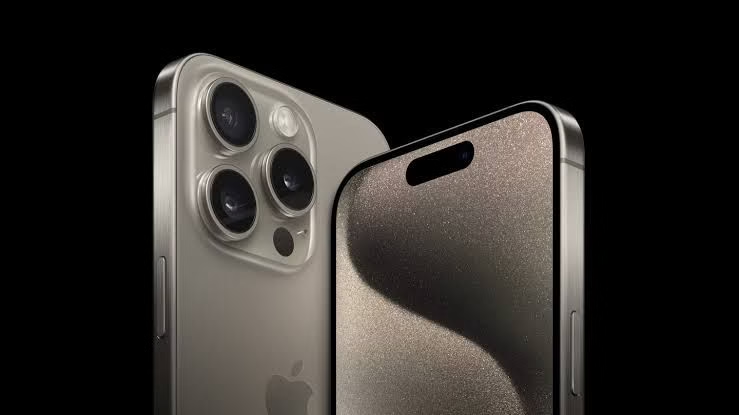
The iPhone is packed with clever tricks and secret settings that most users especially in Nigeria has never fully explore.
Here are 7 useful iPhone features hiding in plain sight.
1. Back Tap to Control Your Phone
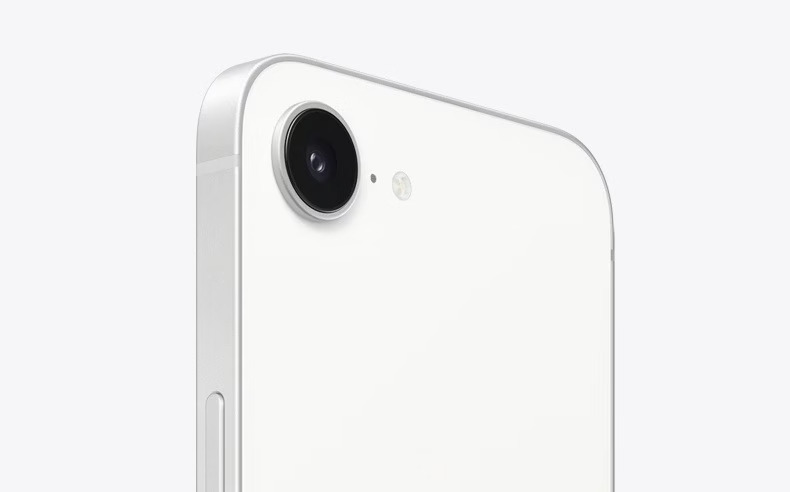
You can double or triple-tap the back of your iPhone to perform actions like taking screenshots, launching apps, or locking your screen.
How to turn it on:
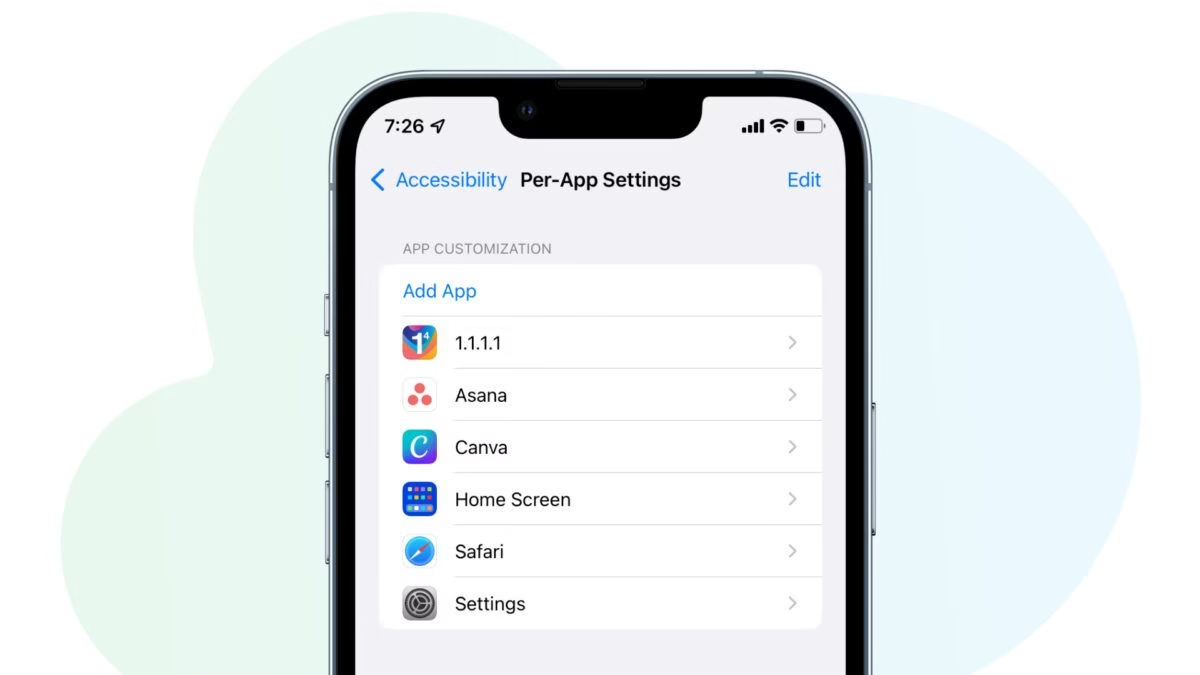
- Go to Settings > Accessibility > Touch > Back Tap
- Choose Double Tap or Triple Tap
- Assign it to an action (like Screenshot or Control Center)
It’s Great for one-handed use, especially when you’re in a danfo or holding items.
Don't MIss This Article
2. Scan Documents with Your Camera (No App Needed)
Your iPhone’s built-in Notes app can scan physical documents, receipts, certificates, and IDs with no third-party app required.
How to do it:
- Open Notes, tap the Camera icon, then choose Scan Documents
- Point your phone at the paper and let it auto-capture
Very useful for Nigerian students, business owners, and those applying for government programs.
Don't MIss This Article
3. Create Custom Vibration Alerts
Instead of using default vibrations, you can make your own pattern, this is particularly very useful when you’re in noisy areas or meetings.
How to set it:
- Go to Settings > Sounds & Haptics
- Choose a tone > Tap Vibration > Create New Vibration
You’ll know who’s calling even if your phone is in your pocket or bag.
4. Hidden Trackpad for Easier Typing
Typing long messages or editing text can be frustrating on small screens. Turn your keyboard into a touchpad.
How to use it:
- Press and hold the spacebar on your iPhone keyboard
- Slide your finger to move the cursor like a trackpad
Saves you time when correcting text or editing emails.
Don't MIss This Article
5. Silence Unknown Callers
Tired of spam calls from unknown numbers in Nigeria? Silence them automatically.
How to activate:
- Go to Settings > Phone > Silence Unknown Callers
Calls from your contacts still ring, but unknown numbers go straight to voicemail.
6. Use the Apple Logo as a Shortcut
Similar to Back Tap, you can turn your Apple logo into a shortcut trigger.
This is the same feature as Back Tap but many people don’t realize the Apple logo itself is sensitive to touch when the feature is enabled.
You can open WhatsApp, take photos, or enable Torch with a simple tap.
7. Measure Objects with Your iPhone
Ever needed to measure something in cm or inches but didn’t have a ruler?
Use the Measure app:
- Open the Measure app (built-in)
- Move your phone around and align the on-screen dot with the object
Ideal for tailors, designers, or DIY enthusiasts in Nigeria.
Try Them and See
Many Nigerian iPhone users barely scratch the surface of what their devices can do. By unlocking these hidden features, you can get more value out of your iPhone, improve productivity, and even impress your friends too.
Try out at least 2 or 3 of these today and you’ll be surprised how much more useful your iPhone becomes.