If you’ve been an Android user for a while, chances are you’ve either used or at least heard of Nova Launcher. For more than ten years, it’s been the number one choice for people who wanted to take control of their phone’s home screen, changing icons, tweaking gestures, and building a setup that felt truly personal.
Now, that journey has come to an end. Nova Launcher is no longer being developed, and even the idea of releasing it as open source has been scrapped. In simple terms: the app you know and love will keep working for now, but it’s frozen in time. No more updates, no bug fixes, no new features to keep up with Android’s future changes.
For those of us who have relied on Nova for years, this news stings. It’s not just losing an app, it’s like saying goodbye to a part of Android’s history.
Why This Matters to Us
Back in the early days of Android, most stock launchers were clunky and restrictive. Nova Launcher came along and changed everything. Suddenly, you could:
- Rearrange your home screen grid exactly how you wanted.
- Apply custom icon packs to match your style.
- Use smooth gestures to open apps or shortcuts instantly.
- Backup your entire setup and restore it on a new phone in minutes.
For many of us, Nova wasn’t just another app, it was the app that made Android feel like Android. That’s why its discontinuation feels like the end of an era.
Don't MIss This Article

What This Means for Current Nova Users
If you’re still using Nova right now, you shouldn’t panic. Your layout and setup won’t disappear overnight. But as time goes on, here’s what you should expect:
- Security risks: Without updates, potential vulnerabilities won’t get patched.
- Compatibility issues: New Android versions may cause crashes or break certain features.
- No improvements: Competing launchers will keep evolving, while Nova stays stuck in the past.
In short, Nova will slowly become outdated. So if you like keeping your phone optimized and secure, now’s the time to start exploring alternatives.
The Best Alternatives to Nova Launcher
The good news is that Android still has plenty of launchers to choose from. Here are some of the best options depending on what you value most.
Don't MIss This Article

1. Lawnchair Launcher — The Closest to Nova
If you want something that feels familiar, Lawnchair is the way to go. It’s lightweight, open-source, and supports features like icon packs, adaptive icons, and Google Feed. Think of it as Nova’s spiritual successor.
2. Niagara Launcher — Clean and Minimal

For people who want simplicity, Niagara offers a completely different take. Instead of cluttered home screens, you get a vertical list of apps that’s easy to use with one hand. It’s smooth, distraction-free, and battery-friendly.
3. Smart Launcher 6 — Organized and Efficient
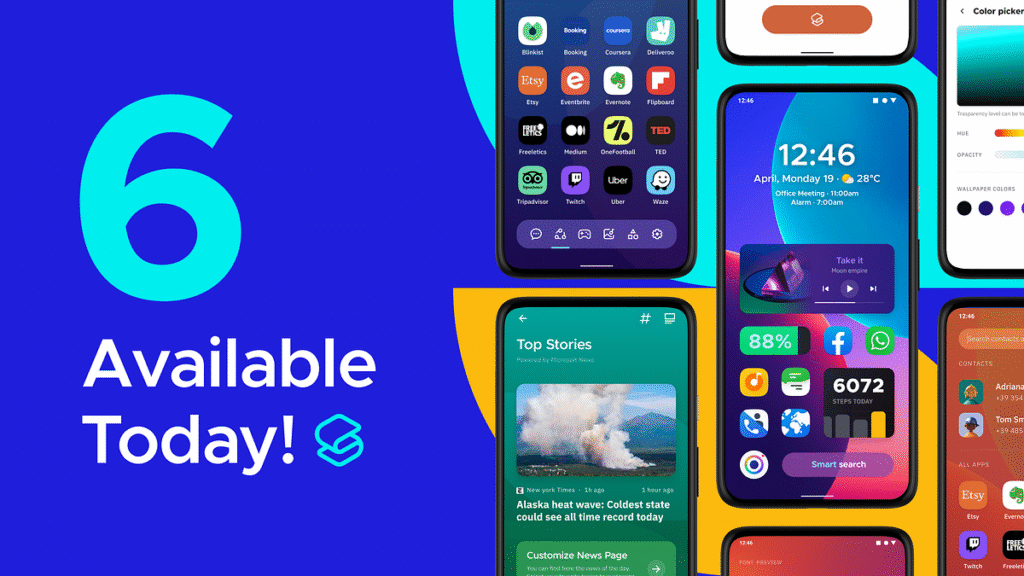
Smart Launcher automatically groups your apps into categories, supports widgets, and includes gesture controls. If you loved Nova’s productivity features but don’t want to spend hours customizing, this is a solid pick.
4. Kvaesitso Launcher — For Power Users

If you enjoyed tweaking every single detail of Nova, you might like Kvaesitso. It offers deep customization options and plenty of flexibility, though it’s not as polished as the bigger names.
5. Square Home — A Different Look
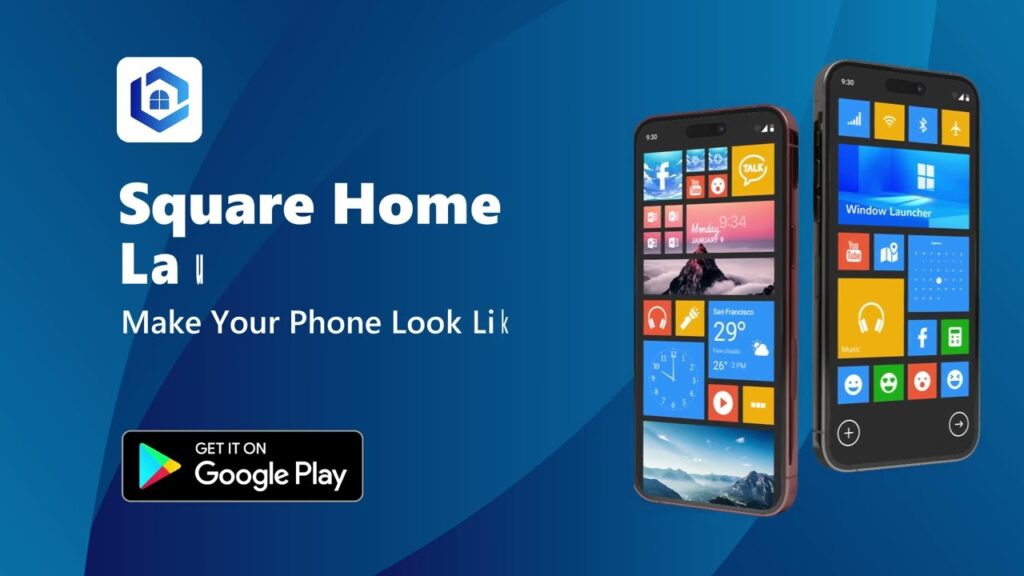
Want to try something new? Square Home brings a Windows-style tile interface to Android. It’s functional, customizable, and gives your phone a completely fresh feel.
6. Octopi Launcher — Lightweight and Fast
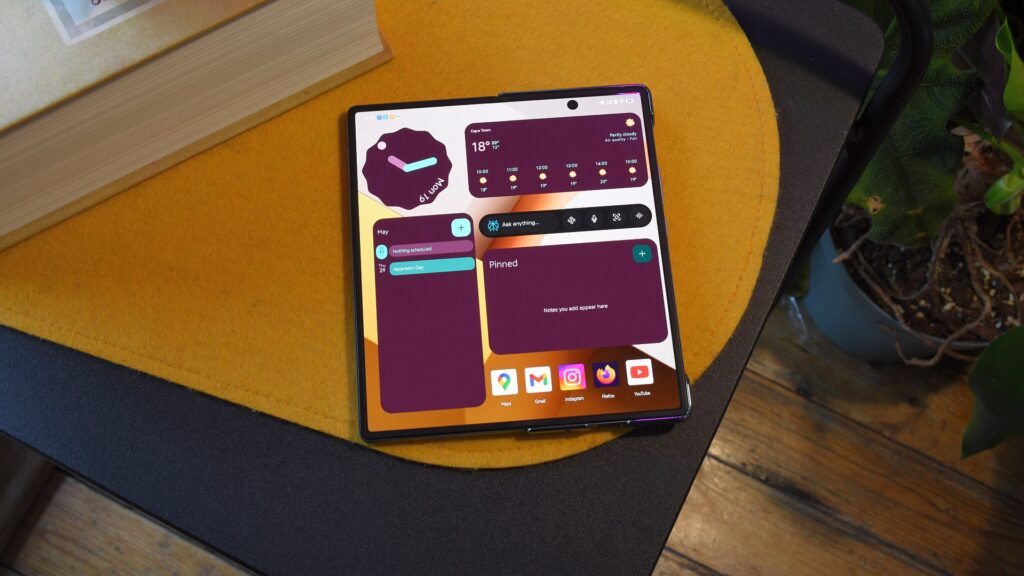
If your phone is older or low on RAM, Octopi is a great choice. It’s simple, fast, and doesn’t drain resources, though it doesn’t have the advanced tricks of Nova.

How to Make the Switch Smoothly
Switching from Nova might feel like a lot of work to some, especially if you’ve spent years perfecting your setup. Here’s how to make it easier:
- Backup your Nova setup so you have a reference.
- List your must-have features — gestures, dock options, icon packs, etc.
- Try at least two launchers for a few days each to see which feels most natural.
- Pay attention to updates — pick a launcher that’s actively maintained.
My Thoughts
The end of Nova Launcher is bittersweet. On one hand, it’s sad to see one of Android’s most iconic apps fade away. On the other hand, it’s a reminder of how strong Android’s customization community still is.
There are plenty of capable launchers ready to carry the torch. For me, Lawnchair feels like the best replacement, it captures much of what made Nova special, while staying modern and open-source. But depending on your style, Niagara’s simplicity or Smart Launcher’s organization might win you over.
One thing is certain: while Nova may be gone, the spirit of Android customization is very much alive.