After talking about why Chrome quietly burns through mobile data, the next logical question people ask me is simple: which browser should you actually be using if data is expensive and unreliable?
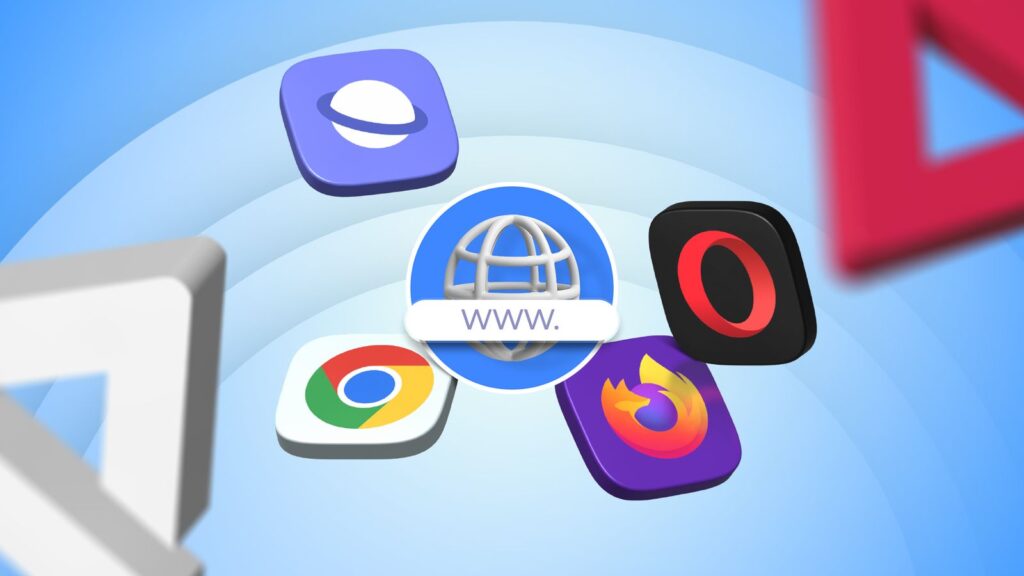
So i spent time comparing Chrome, Opera Mini and Samsung Internet, to know how they really behave on Nigerian networks where data costs matter and speeds fluctuate.
Chrome is the most familiar option, but it is also the least forgiving. It loads full web pages exactly as websites design them, including heavy images, scripts, trackers and ads. Chrome does not aggressively compress content, and features like preloading and background sync mean data usage continues even when you are not actively browsing.
Google has been clear that Chrome prioritises performance and security over data compression, which it explains in its official documentation on how Chrome handles network requests and page loading published on Android Developers. In practice, this makes Chrome fast and accurate, but costly on limited data plans.
Opera Mini sits at the opposite end of the spectrum. Instead of loading full pages on your phone, most of the processing happens on Opera’s servers. Pages are compressed heavily before they reach your device. Images are resized, scripts are trimmed down, and ads are reduced.
Don't MIss This Article

On slow networks or cheap data plans, this makes a massive difference. Pages load faster and data usage drops sharply, but the tradeoff is quality. Some sites look basic, certain features break, and web apps do not always behave as expected. For people who mostly read news, blogs or text-heavy sites, Opera Mini remains the most data-efficient option.
Samsung Internet sits somewhere in the middle. It loads full pages like Chrome, but it gives users more control. Features like the built-in data saver, smart anti-tracking and native ad blockers reduce how much data pages consume without completely stripping them down.
On Samsung phones especially, the browser integrates well with system-level data and battery optimisation. Pages still look modern, but they are lighter than what Chrome delivers by default. For many users, this balance feels more practical than the extremes of Chrome or Opera Mini.
Don't MIss This Article
In real-world Nigerian usage, the choice comes down to priorities. If accuracy, full site compatibility and seamless syncing matter most, Chrome still wins, but you will pay for it in data.
If your main concern is stretching data as far as possible, especially on prepaid plans, Opera Mini is still unmatched. If you want modern browsing without excessive data drain, Samsung Internet is often the quiet winner, especially for users already on Samsung devices.
The mistake many people make is assuming one browser fits every situation. In reality, some users keep two browsers installed. Chrome for banking, work tools and sites that need full functionality, and Opera Mini or Samsung Internet for casual browsing, news and social reading. That approach alone can cut monthly data usage noticeably without changing how you use your phone.
Data is not getting cheaper, and websites are not getting lighter. Choosing the right browser is no longer a cosmetic decision. It is one of the simplest ways to take control of how fast your data disappears.