If you’ve ever updated your Android phone and then suddenly felt like your camera is no longer the same, it might actually be true.
Many people notice this after software updates, and it can be really confusing.
Since the camera is one of the main reasons people love their phones, any change in quality feels serious.
So what’s really happening when your camera output changes after an update?
Let’s explain it properly.
Don't MIss This Article

Software Updates Can Change How Your Camera Processes Photos
The first thing to understand is that phone cameras are not just about the lens. Most of what makes your pictures look good is actually software.
When you take a photo, your phone does a lot of processing instantly. It adjusts brightness, sharpness, colours, HDR, night mode, skin tones, and even background blur.
So when you install a software update, the phone manufacturer may change the way that processing works. Even if the camera hardware stays the same, the software behind it can produce a different result.
Don't MIss This Article
That’s why an update can make photos look slightly different, even without any physical change.
Updates Often Adjust Camera Tuning
Manufacturers regularly tweak camera performance through updates. Sometimes they do this to improve things like low light photography, reduce noise, fix focusing issues, or make colours more accurate.
But the problem is that improvements are not always perfect for everyone. A change that looks better to one person might look worse to another.
For example, an update might make photos look more “natural,” but users who liked the older sharper style may feel the camera has become dull.
So what feels like a downgrade may simply be a change in tuning.
Your Camera App Might Behave Differently After an Update
Sometimes it’s not the camera system itself, but the camera app.
Don't MIss This Article
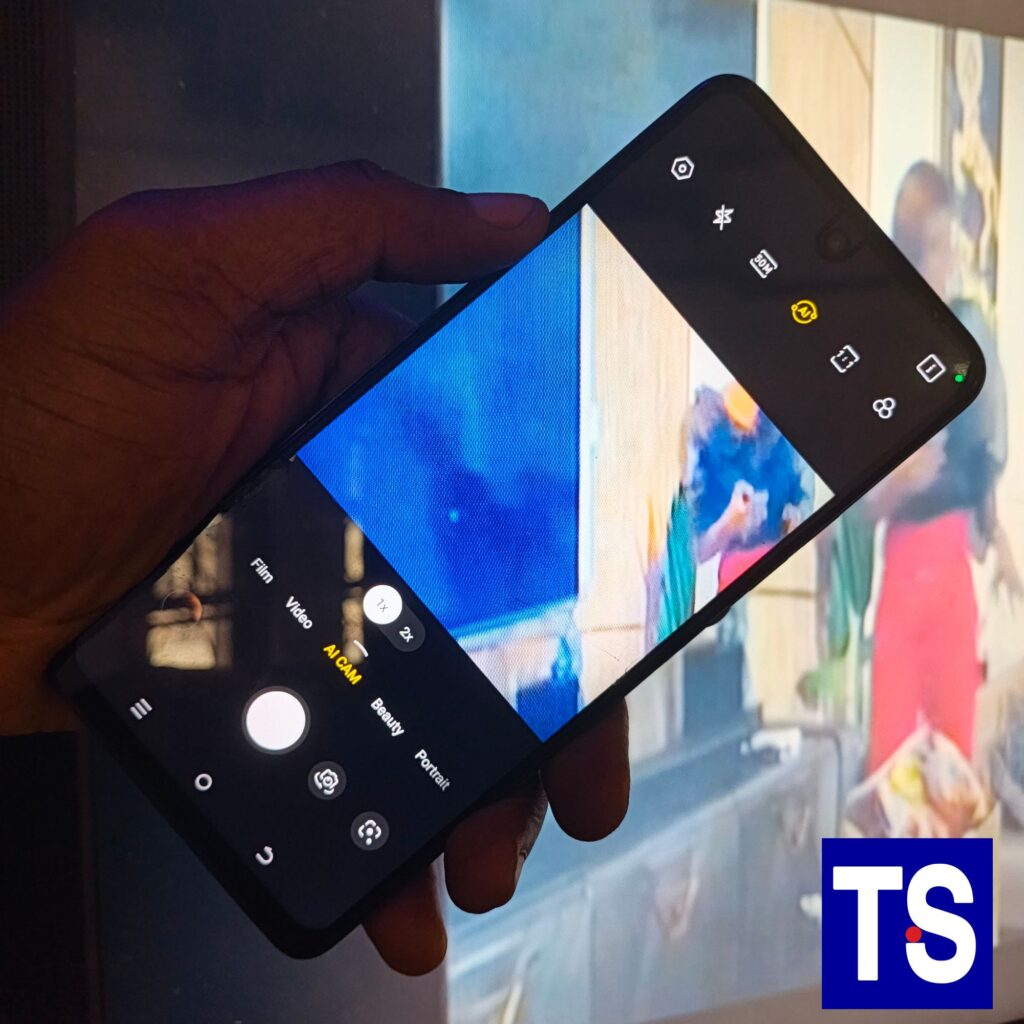
After updates, the camera app may reset certain settings or enable new features automatically. Things like beauty filters, AI enhancements, scene optimisation, or portrait smoothing may suddenly turn on again.
If your photos start looking strange, it’s worth opening your camera settings to check if something changed.
Many people think their camera got worse, when it’s actually just a setting that was reset.
Third Party Apps Can Affect Camera Output
Another thing Nigerians experience a lot is using third party apps for photos, like Instagram, Snapchat, TikTok, or WhatsApp camera.
These apps do not always use the full camera quality of your phone. And after an Android update, they may take time to properly adapt.
So you might notice that your normal camera app still looks fine, but pictures taken inside Instagram suddenly look worse.
That doesn’t always mean your camera is damaged. It may just be app optimisation issues after the update.
Updates Can Introduce Bugs
Let’s be honest, not every update is perfect.
Sometimes manufacturers release updates that accidentally introduce camera bugs. This can cause issues like blurry photos, slower focusing, weird colours, or camera crashes.
If many users with your phone model complain about camera problems after the same update, it’s likely a software bug.
In such cases, manufacturers usually release another patch later to fix it.
Storage and Performance Can Also Affect Camera Quality
Camera quality is also linked to performance.
If your phone storage is almost full, or your phone is lagging after an update, the camera may struggle to process images properly. This can lead to slower shutter speed, reduced sharpness, or worse night photos.
So sometimes, the camera looks worse simply because the phone is under stress, not because the camera itself changed.
When Should You Worry?
In most cases, camera changes after updates are normal and related to software processing. But you should pay attention if the camera becomes unusable.
You should worry if:
The camera keeps crashing
Photos are constantly blurry no matter what
Autofocus stops working completely
The lens shows physical damage
The issue lasts for weeks without improvement
If it’s just a slight difference in colour or sharpness, it’s usually not serious.
What You Can Do If Your Camera Looks Worse After an Update
If you feel your camera quality dropped after updating, here are practical steps that help.
Restart your phone first. It sounds basic, but it can fix temporary glitches.
Update your camera app and all apps from Play Store, because app optimisation matters.
Go into camera settings and reset them, especially if filters or AI features changed.
Clear the camera app cache in your phone settings. Sometimes old temporary files affect performance.
If the problem is widespread, wait for the next patch update, because manufacturers often fix camera complaints quickly.
As a last option, backing up your data and doing a factory reset can restore performance.
What i think about it
If your Android phone camera quality seems different after a software update, you’re not alone. Most times, it’s not that the camera hardware has changed, but the software processing behind your photos has been adjusted.
Updates can tweak camera tuning, reset settings, affect third party apps, or sometimes introduce bugs. The good news is that in most cases, the issue improves with time, app updates, or simple fixes.
Your phone camera is probably not ruined. It’s just reacting to the new software.
FAQ
Can updates really make camera quality worse?
Yes, because software processing changes can affect how photos look.
Why do my photos look more blurry after updating?
It could be a bug, performance stress, or camera settings resetting.
Do third party apps affect camera quality?
Yes. Instagram and Snapchat often compress or reduce camera output.
Will the camera improve again?
In many cases, yes, especially after app updates or patch fixes.