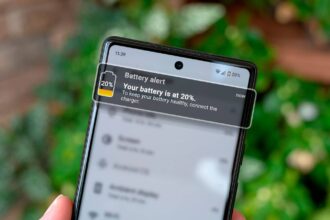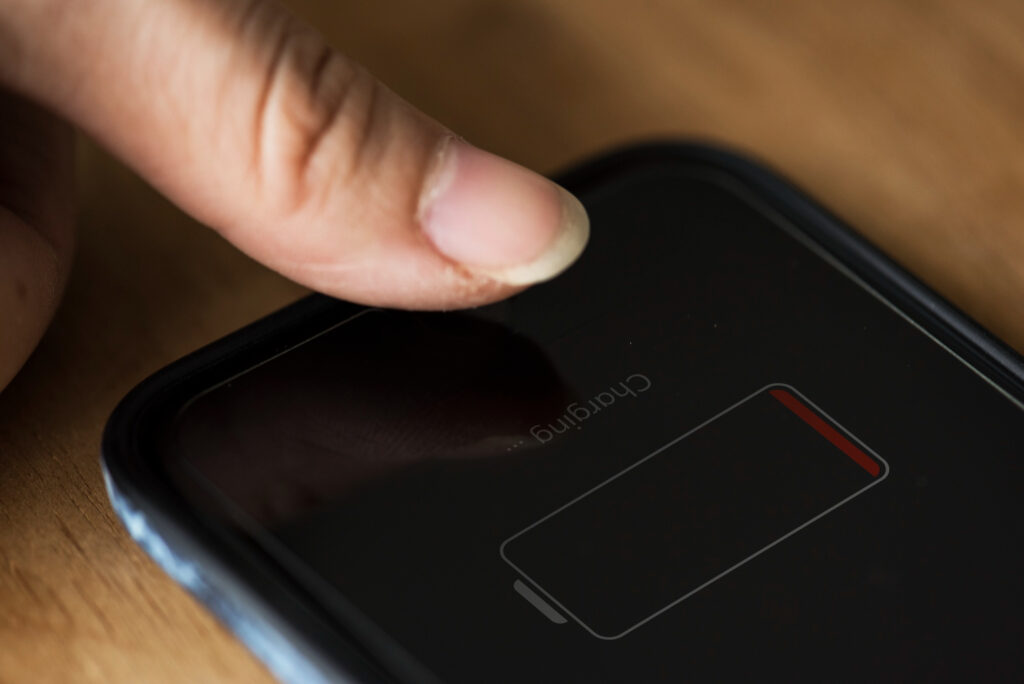
A phone with a dead battery is practically useless because If you’ve ever been stranded with a low battery and no charger in sight then you probably know how frustrating it can be.
But the good news is that you can extend your Android phone’s battery life without downloading any extra apps to your Android phone.
So here are five practical tips you can start using today.
1. Lower Screen Brightness or Use Adaptive Brightness
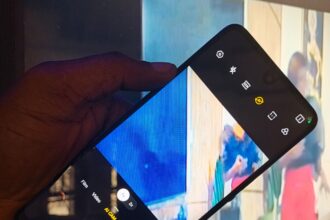
Your display is one of the biggest battery drains. Lowering your screen brightness or enabling Adaptive Brightness helps your phone automatically adjust to the lighting around you, saving energy.
How to Enable Adaptive Brightness:
Don't MIss This Article


- Go to Settings
- Tap Display
- Turn on Adaptive Brightness
2. Turn Off Background App Refresh
Many apps keep running even when you’re not using them, consuming battery in the background. Restricting background data and refreshing can add hours to your battery life.
How to Limit Background Activity:
- Go to Settings
- Select Battery or Battery Optimization
- Choose apps you don’t need running in the background and restrict them
3. Switch to Battery Saver Mode
Battery Saver Mode automatically limits background activity, reduces visual effects, and slows performance slightly to conserve power.
Don't MIss This Article

How to Turn It On:
- Go to Settings
- Tap Battery
- Enable Battery Saver Mode
4. Disable Unused Connectivity Features
If you’re not using Bluetooth, Wi-Fi, or GPS, turn them off. These features constantly search for connections, draining your battery.
Quick Tip: Use your phone’s quick settings panel to toggle these features on and off instantly.
5. Update Your Phone Software
Manufacturers regularly release updates that improve battery performance. Keeping your phone updated ensures you’re getting the best battery optimization available.
To Check for Updates:
- Go to Settings
- Tap System
- Select System Update
Hope this is Helpful
Battery life issues are common, but with these adjustments, you can significantly reduce your phone’s power consumption. The best part like i mentioned earlier is that you don’t need to clutter your phone with extra apps to see results.